Back to the shelf

010

AC Creations Interactive Shader Footer

A drop-in footer component for AC Creations pages, with WebGL shaders that shift colors by time of day.

Launched · Started August 2025 · Component · Vibe-Coded

That's the whole thing.

The site's sound is off. The narration still plays.

This reading didn't load. The transcript is below.

Read the transcript

I kept rewriting the same footer. Every AC Creations project needed one, and every single time I built it from scratch. In August twenty twenty-five, I built one reusable component instead.

This is the Interactive Shader Footer. Drop the folder into any page and it works. A WebGL shader responds to whoever is visiting, and its colours shift with the time of day: it looks different at noon than at midnight. If WebGL is missing, a CSS fallback takes over.

It weighs about seven kilobytes, holds sixty frames a second, and meets accessibility contrast standards.

The last part of a page is a brand touchpoint too. A footer that matches nothing is a missed step, a small one, but missed all the same. This one does not miss.

It is launched.

Narrated in my own cloned voice, generated with ElevenLabs v4.

I kept rewriting the same footer. Every AC Creations project needed one, with the same brand and the same visual tone, and I kept rebuilding it from scratch.

In August 2025, I built one reusable component instead. The Interactive Shader Footer is a self-contained block of HTML, CSS and JavaScript. Drop the folder into any page and it works.

The visual centre is a WebGL shader that responds to whoever is visiting. Colours shift with the time of day, so the footer looks different at noon than it does at midnight. If WebGL isn’t available, a CSS fallback takes over. The whole thing weighs about 7 KB gzipped, holds 60 fps, and meets WCAG AA contrast standards.

I built it with AI, vibe-coded and iterated fast, but every decision behind it came from a real problem. The closing section of a page is a brand touchpoint too. A footer that matches nothing is a missed step in the trail AC Creations leaves behind.

This one doesn’t miss. It’s launched.

The making

  • HTML
  • CSS
  • JavaScript

01 · The problem

Before it existed

What hurt

Every AC Creations page needed the same closing block, yet each one was being rebuilt from scratch, slightly different every time.

Who uses it

  • Me, building pages
  • Whoever opens the bottom of an AC Creations page
  • 7 KBscript and styles, gzipped
  • 4palettes, by time of day
  • 5size presets in one config file
  • 1folder to drop in

02 · The flow

6 steps, in the order they happen

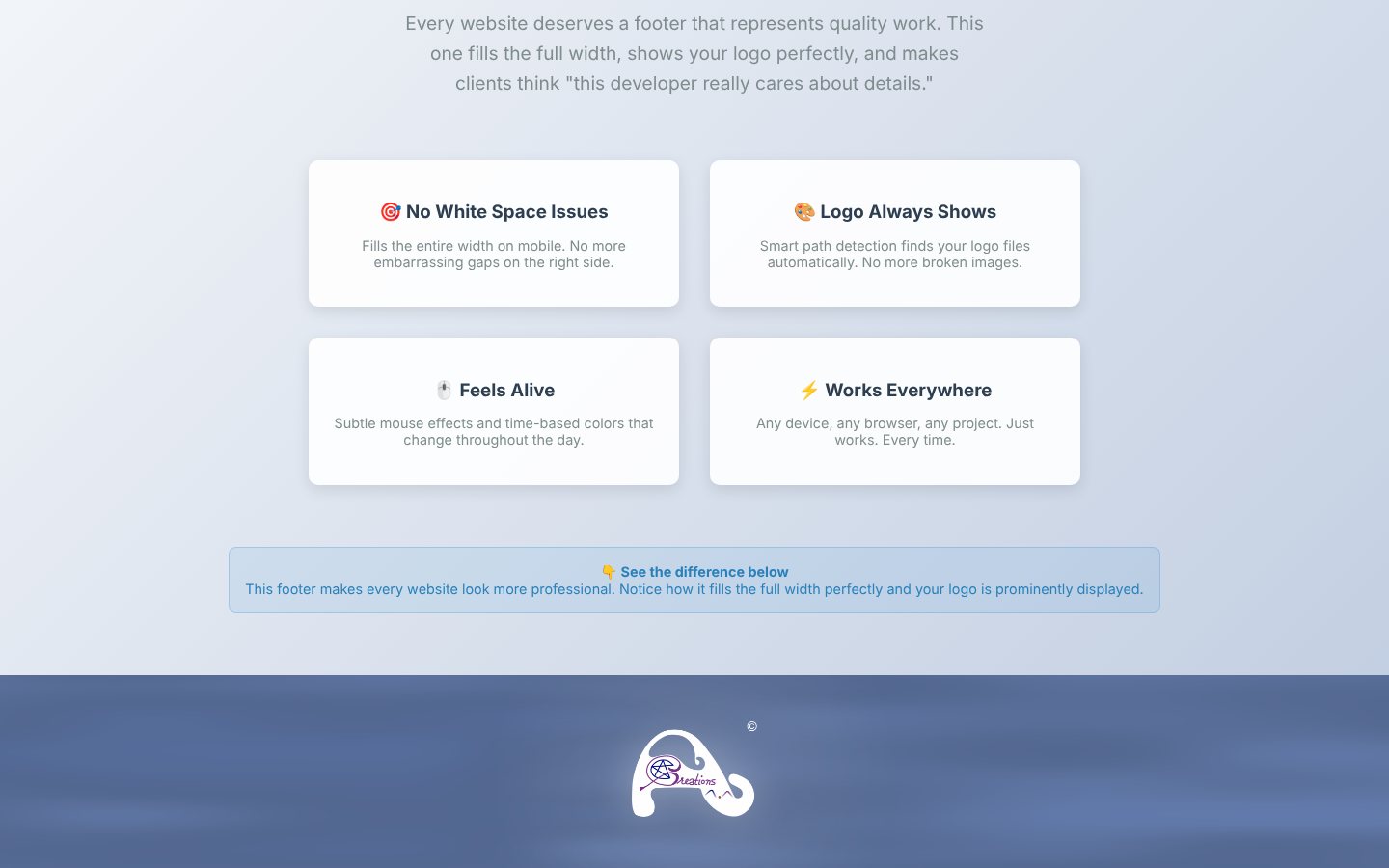
  1. 01 / 06

    Drop in the folder

    You
    Copies one folder into a page
    It answers
    Needs two files and one line: a script and a stylesheet
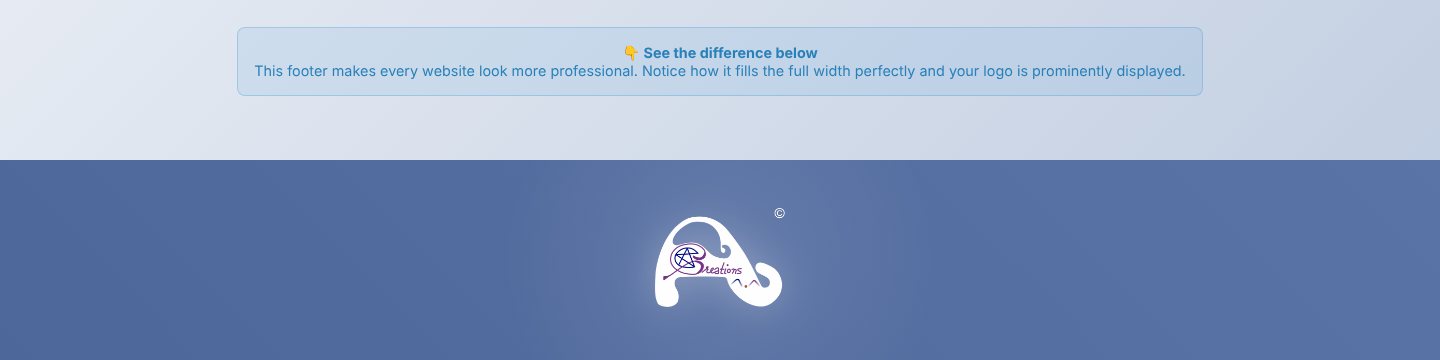
    A demo page of four feature cards, with the footer band just visible at the foot of the screen
  2. 02 / 06

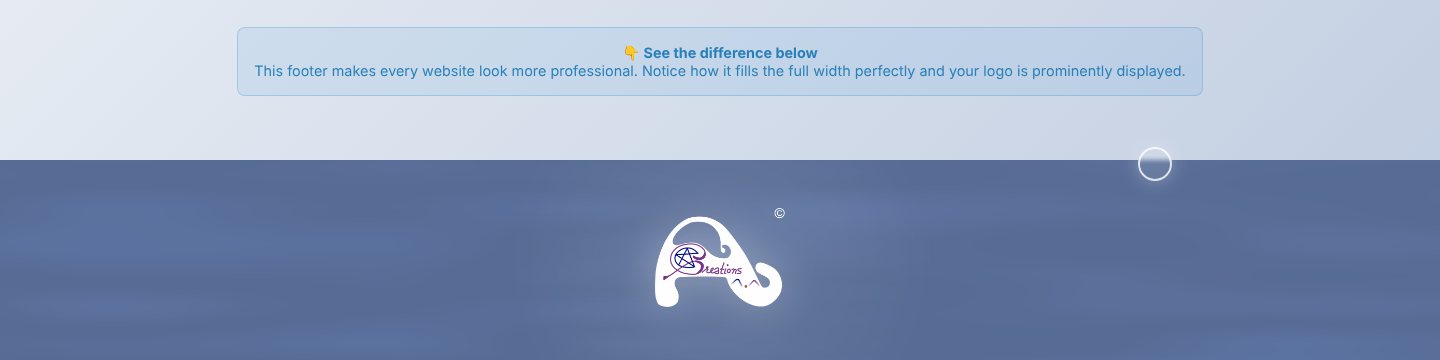
    Meet the morning

    You
    Scrolls to the bottom and moves the pointer
    It answers
    Draws a flowing blue shader behind the logo and bends it toward the pointer
    A blue band with soft flowing texture and the AC Creations logo in white at its centre
  3. 03 / 06

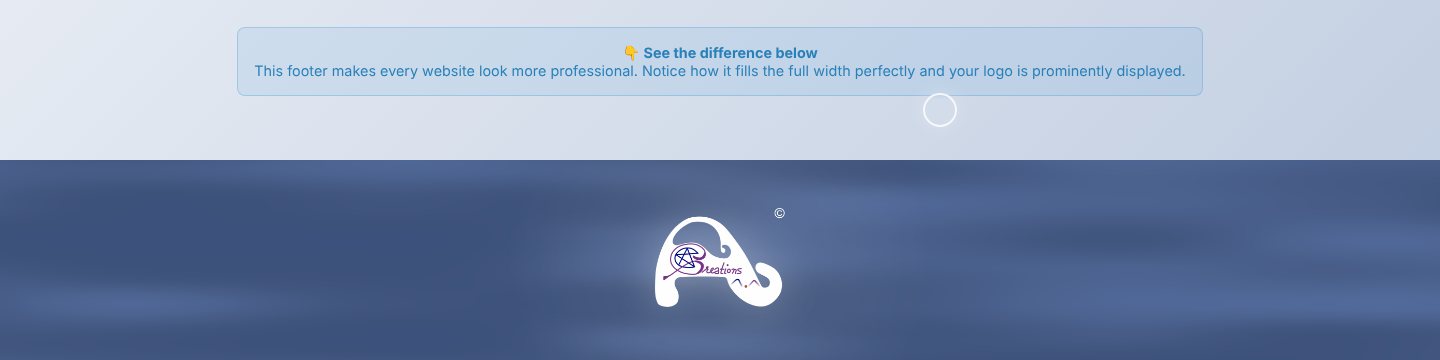
    Watch the day turn

    You
    Comes back in the afternoon
    It answers
    Shifts the palette from morning blue to a steadier afternoon blue
    The same footer band in a deeper afternoon blue
  4. 04 / 06

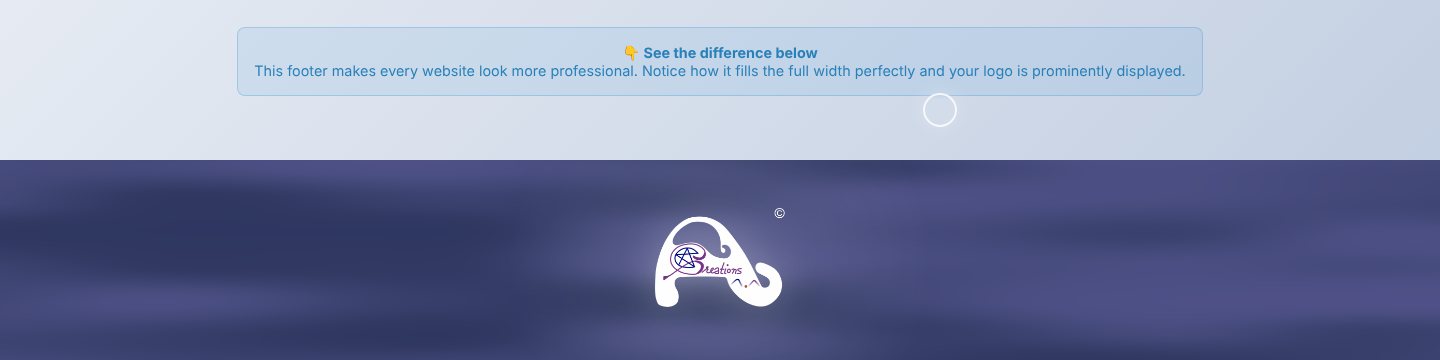
    Settle into evening

    You
    Comes back after dark
    It answers
    Moves to the brand’s purples, then deep purple at night
    The footer band in violet and indigo tones
  5. 05 / 06

    Survive without WebGL

    You
    Opens it where WebGL is off
    It answers
    Falls back to a CSS gradient. The logo and layout stay the same
    The footer band as a flat blue gradient with the logo, no motion
  6. 06 / 06

    Fit the phone

    You
    Opens the page on a phone
    It answers
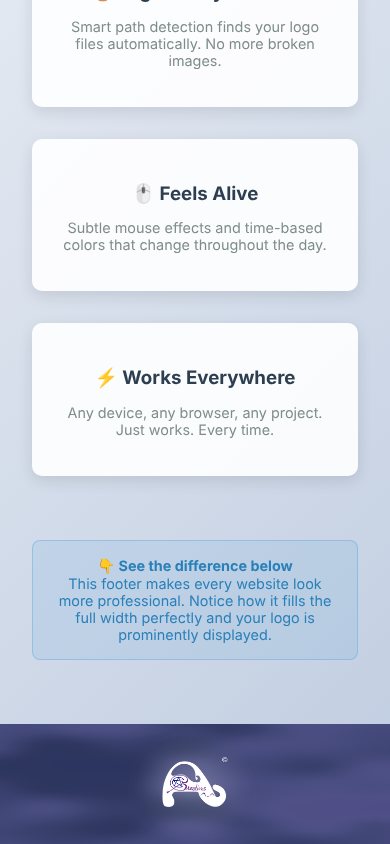
    Fills the full width, with the logo centred
    A phone screen ending in the purple footer band with the logo

03 · What was special

What it stands on

  1. The clock chooses the colour

    Four palettes follow the hour: blue for trust through the day, the brand’s purples in the evening and at night.

  2. Light and still when it must be

    About 7 KB gzipped. Without WebGL, a CSS gradient takes over, so the footer never arrives broken.

  3. Written for an AI to wire in

    The folder ships ready-made prompts, so a coding agent can add the footer to a new project in one instruction.

One small footer signs every page the same way.

Making-Of

I was tired of rewriting the same footer, so I built it once.

The catalogue entry; the repository’s only commit follows on 23 August 2025

  1. The world before

    Each AC Creations project needed a footer with the same brand and the same tone, and each one got rebuilt by hand.

  2. One day

    23 August 2025. The repository opens with the whole component, its documentation and the design guides it follows, in one commit.

  3. Because of that

    1. 17 August 2025: the idea enters the catalogue.
    2. 23 August 2025: the component is committed with a demo page, a config file and integration prompts.
    3. 24 August 2025: the footer folder is reused in the next project, My North Star.
  4. Until finally

    A drop-in footer for any AC Creations page, with a CSS fallback and four palettes by hour.

  5. Since then

    The repository has had no further commits. The footer itself lives on in later pages.

The evidence Process, hands, and artifacts

Process

  1. Origin

    One reusable footer for every AC Creations page

  2. Build

    Shader footer, time-of-day palettes, CSS fallback, config presets

  3. Docs

    Quick-start, integration guide and ready-made prompts for coding agents

  4. Reuse

    The folder dropped into My North Star

Hands

Akshansh

  • The brand rules the palettes follow
  • What the footer must feel like: quiet, supportive, never competing with the page

Agents

  • Claude CodeWrote the shader, the fallback and the integration prompts